Appearance
Install on Github codespaces or local
Introduction
In the following mini workshops we'll need some tools. The spets follow the installation on a GitHub codespaces instance but you should be able to install them locally too if needed.
Visual Studio Code (VS Code)
Visual Studio Code is a code editor redefined and optimized for building and debugging modern web and cloud applications.

Azure functions VS Code extension
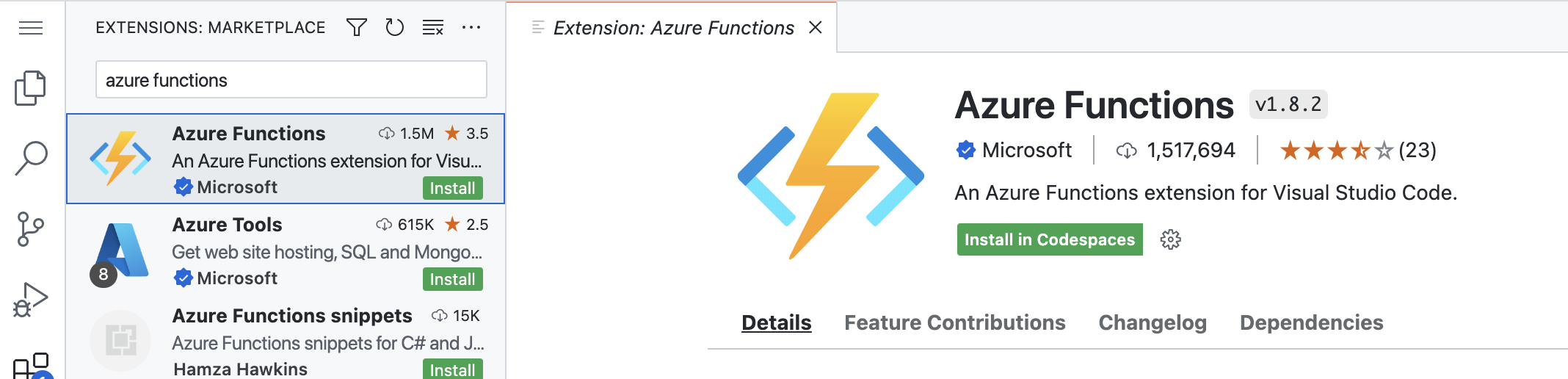
Open extensions tab from the left side of VS Code. In the search bar, on top, search for Azure functions and click install.
Azurite
Open extensions tab from the left side of VS Code. In the search bar, on top, search for Azurite and click install.
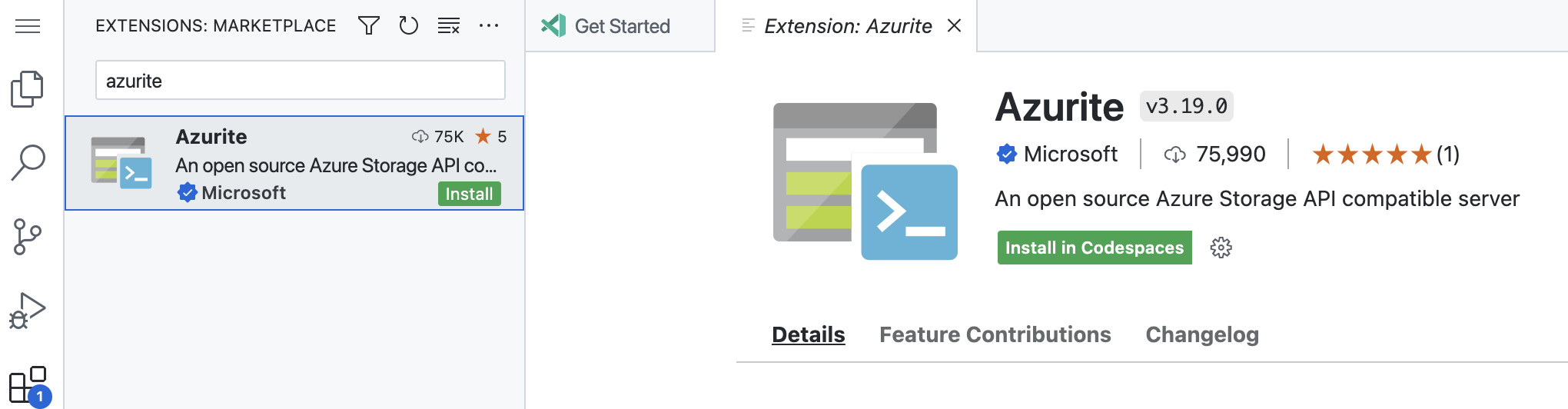
Azurite will give you a local(inside codespaces) storage account running. You'll get access to Blob/Queues and Tables. We'll use only Queues for this workshop.
Azure Functions Core Tools
In order to be able to create and run Azure functions the cli tools must be installed. Follow the instructions for linux (Ubuntu) from here
Keep in mind that we'll use v4 of the tools.
Local storage explorer
For developing on your local pc/laptop this tool might be of use to see the queues content. It can be downloaded from here
Prerequisites
Install az functions => https://learn.microsoft.com/en-us/azure/azure-functions/functions-run-local?tabs=v4%2Cwindows%2Ccsharp%2Cportal%2Cbash#v2
Install & start Azurite (VSC addon)=> https://learn.microsoft.com/en-us/azure/storage/common/storage-use-azurite?tabs=visual-studio
Validate VSC is present
Validate VSC addons are present: Azure functions, Azure storage
Azure storage explorer: https://azure.microsoft.com/en-us/products/storage/storage-explorer/
Create http functions
Host.json => "logLevel":
Create Timer function
Local.settings.json=> "AzureWebJobsStorage": "UseDevelopmentStorage=true",
[TimerTrigger("*/10 * * * * *")] => every 10 seconds
[return: Queue("myqueue-items")]
dotnet add package Microsoft.Azure.Functions.Extensions --version 1.1.0
dotnet add package Microsoft.Azure.WebJobs.Extensions.Storage --version 5.0.1
Create Queue function
Update the message logs